
Null’s Brawl
Download Null’s Brawl and explore a private Brawl Stars server with unlimited gems, coins, and all brawlers unlocked. Enjoy new updates, exclusive skins, and nonstop fun with this enhanced version of the game. The update also brings eight brand-new Hypercharges, supercharged abilities that give players more power, more speed and more control.

What is Null’s Brawl and How Does It Work?
Nulls Brawl is a private server of Brawl Stars that lets you play the same game but on a different server with Unlimited Gems & Resources, Unlocked Brawlers, Unlocked Brawlers Skins, Max Level Brawlers with All Gadgets, Star Powers, Gears, Hypercharges, Unlocked Pins, and many other exciting features. This creates a massive difference between the official game and this Private Server. Nulls Brawl even lets you save your in-game progress with its Null’s Connect service, just like the Supercell ID.
There is not much big difference between Brawl Stars and Nulls Brawl in terms of updates & security. Whenever a new update arrives in the official game, Null’s Brawl brings that too; it keeps updating regularly to make sure your device stays safe & secure, and it’s been like this since March 2019, when Null’s Brawl started its journey in Russia. Now, Nulls Brawl is popular in so many countries, including the USA, Turkey, Azerbaijan, France, Portugal, India, and many more.
What’s New in Null’s Brawl v65.165?
Nulls Brawl just got updated to v65.165 with the latest Brawlers: Gigi, New Stranger Things skins, Hypercharges, Events, game modes, and more!
Mythic Assassin – Gigi: A Mythic Brawler with a rapid spinning attack, is a high-damage, high-speed assassin who thrives in close quarters. Her unique ability to charge her Super by attracting enemy projectiles makes her a cunning counter-attacker.
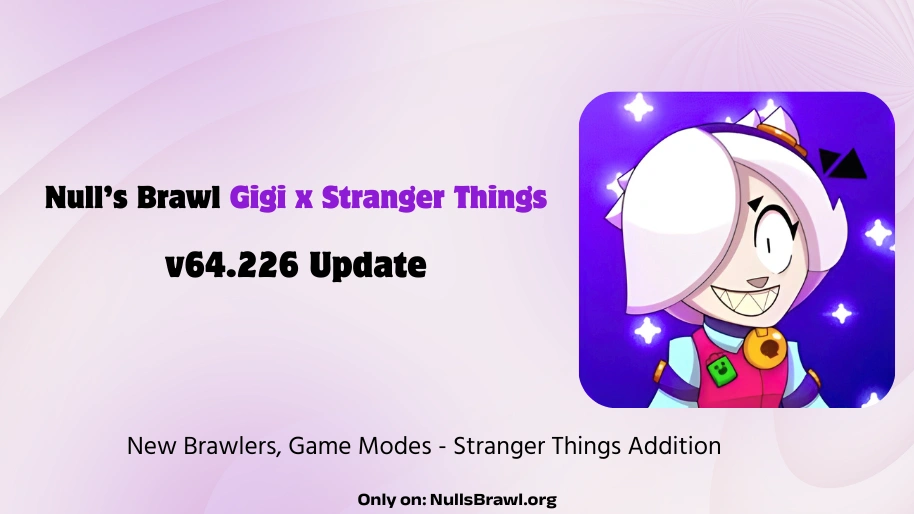
Stranger Things: During the Stranger Things event, there will be game modes, events, reward skins, and special Upside Down modes. Throughout the event, you can collect Waffles through daily wins, special quests, Upside Showdown, and Hawking Hunt to unlock Stranger packs that contain unique Stranger Things’ characters’ skins.
New Stranger Things Skins: Eleven Lumi / Retro Eleven Lumi / Thrilled Eleven Lumi, Hopper Bull, Eddie Draco, Will Gus, Dustin Nita / 80s Dustin Nita / Future Dustin Nita, and Scoops Ahoy Berry.
Hawkings Hunt: Vecna and Demogorgon are wreaking havoc across the dimensions. And Frank is possessed by a Spirit Knight??? What is going on? Is this the end? Team up with your friends to defeat the Hawkings’ biggest threats and monsters from Upside Down.
Key Features of Null’s Brawl Private Server
Unlimited Resources
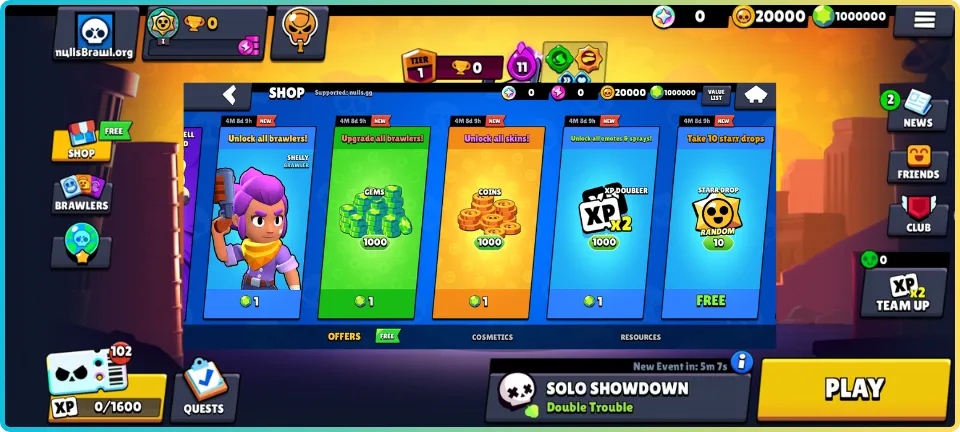
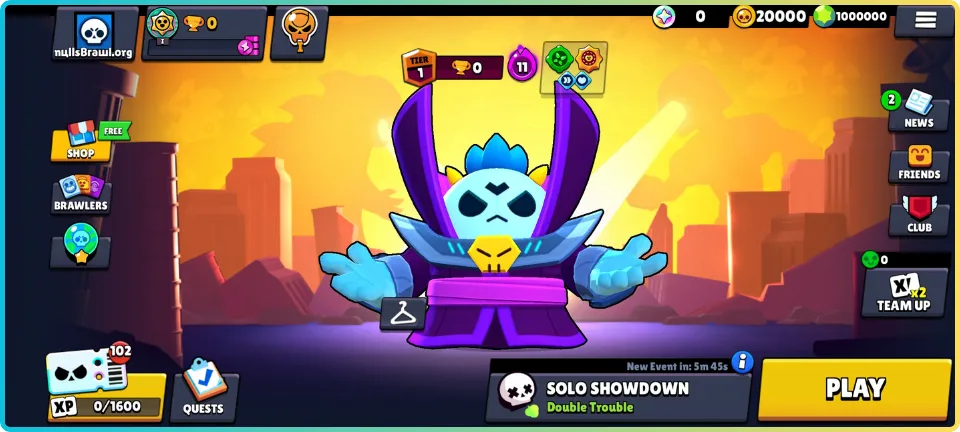
Resources help players to unlock & upgrade various features in the game. Nulls Brawl offers Unlimited Resources (Gems & Gold) in its private servers. Meaning, there is no need to bust your head collecting it. There is no need to spend your hard-earned income to buy gems at all. With Nulls Brawl, all your problems with resource collection will be fixed. If somehow you manage to use all the resources, it will be reset the next time you log into the game.
All Brawlers and Skins Unlocked
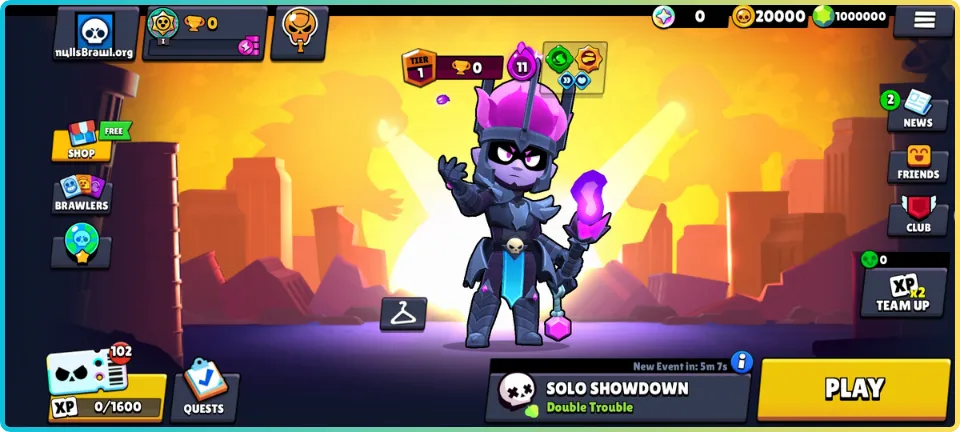
Every Brawler is unlocked in Nulls Brawl, along with all skins, including time-limited skins or legendary ones. It means whenever a new update comes out, new brawlers get released, and with Nulls Brawl, you can instantly try out those Brawlers in the game. New players can also use all Brawlers or skins for free. Unlike Brawl Stars, where you need to wait to collect resources to unlock Brawler’s Skins, Nulls Brawl is the best. There is no need to progress the Trophy Road by playing countless hours to unlock Brawlers at all.
Hypercharges Available
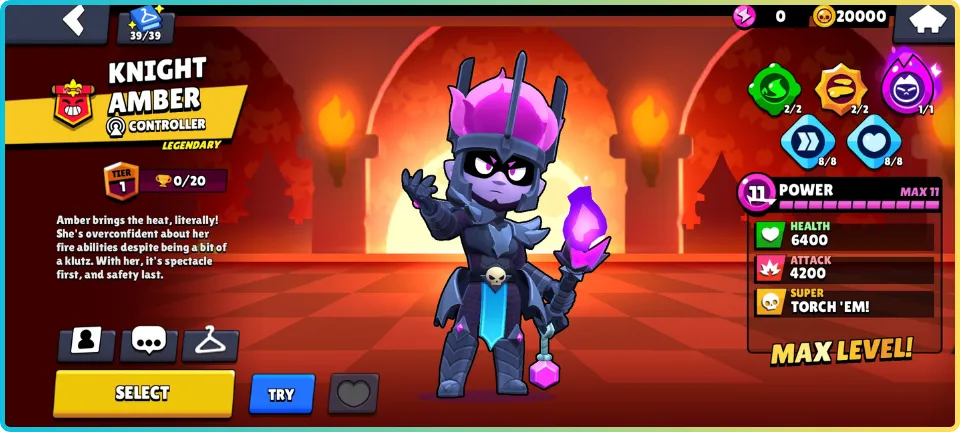
Gadgets, Star Powers, and Gears are some advantages you can use in Brawl Stars; however, you need to unlock them by upgrading Brawlers in the official game. However, Nulls Brawl has already unlocked all the Gadgets, Star Powers, and Gears. It means you don’t need to wait to use them in the game, as they are already unlocked for free. Also, it has all the Hypercharges unlocked as well.
Unlocked Pins, Sprays, and Profile Pics
Nulls Brawl offers so many ways to customize your profile. It has all the pins, sprays, and profile pics unlocked. It means you can use them to make your profile awesome. You can use legendary pins to show off enemies. All these features are locked behind subscriptions in the original game, but not anymore.
Max Level Brawlers
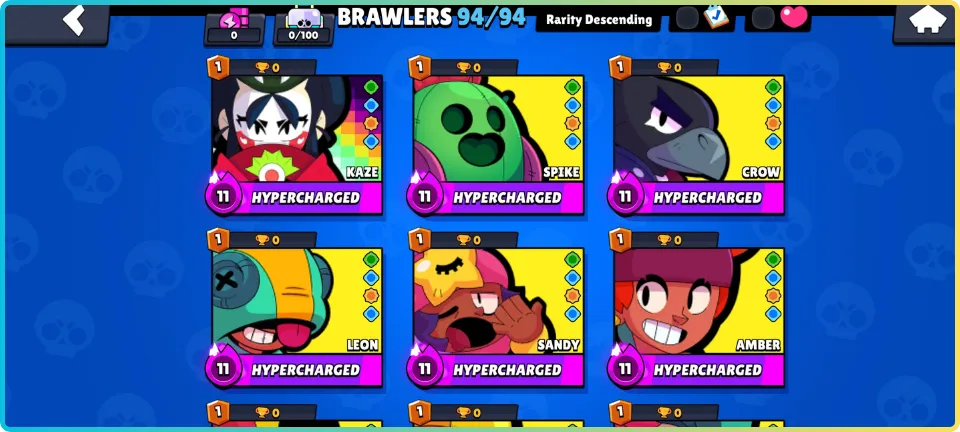
To make your Brawlers stronger, Brawl Stars lets you upgrade them with resources. You can upgrade your brawlers to the Max Level 11. It takes so much effort to do it for all your favorite brawlers. But in Nulls Brawl, you already get all the Brawlers to the Max Power Level-11. You can test these upgraded brawlers in the matches instantly.
Multiplayer Friendly Battles
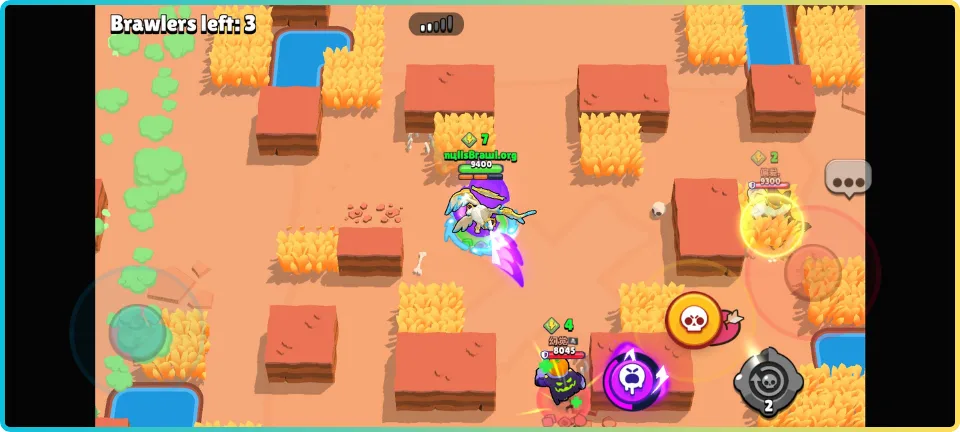
Just like Brawl Stars, Nulls Brawl lets you play & enjoy multiplayer battles with friends. It has a good server where you can find real players instead of bots. Also, the server depends on the player’s location. Meaning, if you are from India, your server will be the nearest one to India. Means faster battle matchmaking 24 hours a day and no lag issues.
Custom Modifications & Events
Nulls Brawl lets you install Mods in their private server, adding support for more customizations and fun. However, these Mods are signed by the official Null’s developers. There are many Custom Mods available for this Private Server, some of which add more skins, maps, music tracks, backgrounds, graphics enhancements, and much more. Popular Custom Mods of Nulls Brawl include China Nulls Brawl, HDR Brawl, Ghoul Nulls, etc.
Sometimes, Null’s Devs bring custom events to the game irrespective of the official game. Meaning, these custom events can only be played in the Private Server. However, these events are rare but fun. Most times, custom events are introduced during the Anniversary of Null’s Brawl.
Regular Updates
Without Regular Updates, Nulls Brawl would never have achieved its success and become popular as it is now. Updates are the most important part of any game. From 2019, Nulls Brawl has been bringing the Latest Updates from time to time. The server reviews are overwhelmingly positive, and there are a few minor issues regarding players’ support (as we can understand that this is only a Private Server, not a multi-millionaire company like Supercell).
Supports Android, iOS, PC
Nulls Brawl is playable on all major platforms, including Android, iOS, and PC. It supports Cross-play as well. However, you can’t find it on official App Stores and Google Play Store because it’s a third-party application. You can only download Nulls Brawl from the official website or Telegram Channel. Then, you can follow our simple installation guide to install it on your devices safely. The installation guide is just below some paragraphs!
Unlocked Paid Features
Brawl Pass Activated
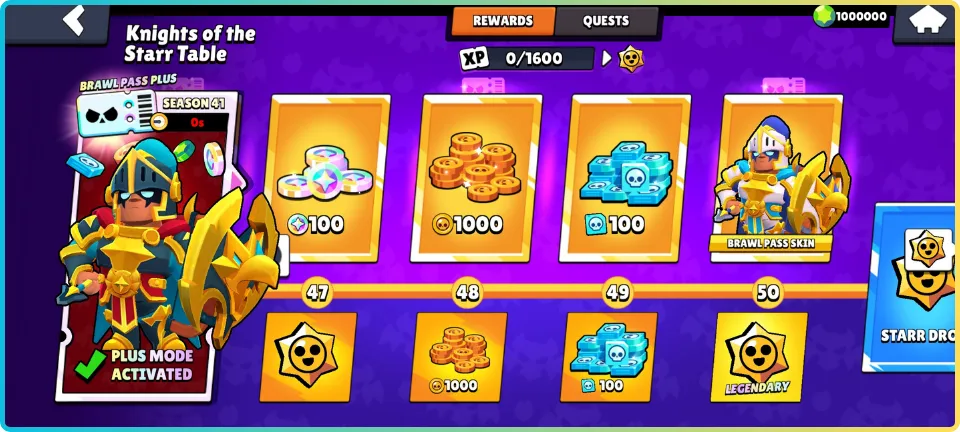
In Nulls Brawl, Brawl Pass is already activated for free for all players. You don’t need to buy it now. The Brawl Pass offers lots of awesome things, such as premium skins, gems, pins, sprays, coins, power points, chromatic names, and so much more. So, in Nulls Brawl, there is no issue getting all these features for free.
Pro Pass Activated
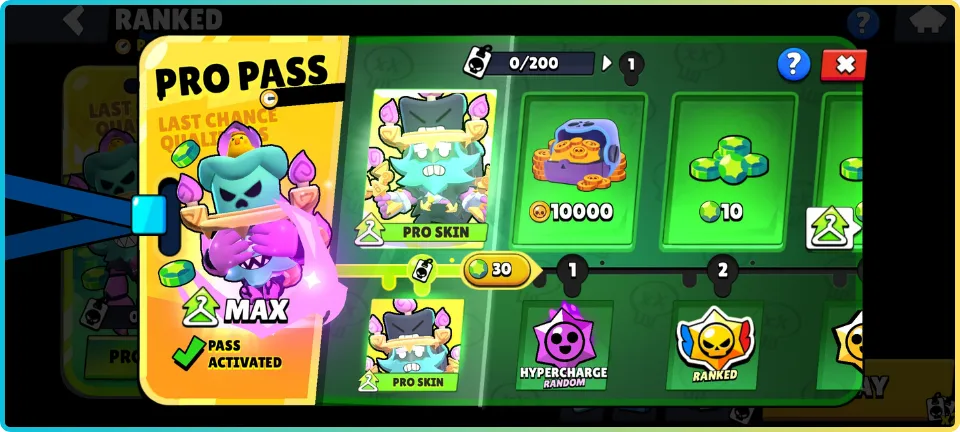
Nulls Brawl offers a free Pro Pass for all. It offers free Pro Skins, Starr Drops, and many premium in-game content. Also, there is no need to collect Pro pass XP at all here, as all the content is already unlocked.
Game Modes in Null’s Brawl
3v3 Game Modes
5v5 Game Modes
Showdown Game Mode
Special Events
Temporary Game Modes
How to Download and Install Null’s Brawl
You can easily install & play Nulls Brawl on any Android, iOS, or PC device if the system requirements are compatible. Read here the installation steps & let us know through the Contact Us page if you find any issues with the process.
For Android
Requirements: Null’s brawl .apk, Android device with version 8.0 or up

For iOS
There are a few best methods to install Nulls brawl on iOS. Most of them require you to turn on the developer mode (Turn on by going to Settings > Privacy & Security > Developer Mode > Turn On > Restart device > Enable after reboot).

Install Using AltStore
Requirements: iTunes, iCloud, AltServer, Nulls Brawl .ipa file.
Install Using Sideloadly
Requirements: iTunes, iCloud, Sideloadly, Nulls Brawl .ipa file, Developer Mode for iOS 16+
Install Using Scarlet
Requirements: Nulls Brawl .ipa, Scarlet, Developer Mode
For PC
Nulls Brawl official PC support is not yet available; however, you can play on the PC using any Android emulator. Here is the guide to install Nulls Brawl on PC.

Requirements: Nulls brawl .apk, PC, Android Emulator, Working Internet Connection
Null’s Connect – Keep Your Account Safe
Nulls Brawl provides a service known as Null’s Connect that will save your in-game progress and keep it updated on the cloud. It will help you to save your progress in Nulls Brawl’s server. Your data will be safe even if you change your device. It works just like the Supercell Connect. Null’s Connect will let you connect via many options. You can connect via Email or VK service. You can use this service on any device (Android, iOS, PC). There are many benefits of connecting your account to this service. You won’t lose your Nulls Brawl data ever.

To use Null’s Connect in Nulls Brawl, you will need to create a Null’s Connect account. Please follow the steps:
How to Update Null’s Brawl Without Losing Progress
Before updating Nulls Brawl Latest Version, make sure you have connected your account with Null’s Connect. Please follow our easy-to-follow steps to connect your game with Null’s Connect if you don’t want to lose your account data. The steps are just above this paragraph. Well, in case you have connected your account with Null’s Connect service. You don’t have to worry much.
Whenever Null’s Brawl gets a new update, open this website, tap on download the latest update. Install the new file like you installed before. Follow the simple installation steps if you don’t remember for Android, iOS, or PC. If you are facing any issues with the installation, make sure to restart your device and try again!
Every Command in Nulls Brawl
You can use these commands in Nulls Brawl:
Troubleshooting & Common Problems
Installation Issues
Installation issues occur in Nulls Brawl mostly for iOS users, as it’s not as simple as Android. But that’s why we have shared the three best methods to install Nulls Brawl on iOS devices. Please follow them, you won’t going to have any issues at all. If you are following the installation steps and still getting issues, contact us right away.
Game Not Launching
If the game is not launching, consider restarting your device. Also, you can try using a VPN. In any case, if this doesn’t work, please reinstall the game.
79% Loading Crash
Make sure your device is connected to a good internet connection. If you are using mobile data, try to reset your device’s network configuration.
Content Not Unlocking
When you tap on boxes to unlock features, it will restart the game. In any case, if the features are not unlocking, please restart your device. In some cases, reinstalling the game may help.
Connection Errors
Try using a VPN if you are getting connection errors in Nulls Brawl. Also, if you are using mobile data, please try using Wi-Fi.
Device Compatibility Issues
Make sure your Android device has more than 2GB of RAM and Android Version 8.0 or up. If you are using iOS, make sure your iOS version is 10.0 or higher. If you do not have a compatible system, Nulls Brawl will not work.
Comparison – Null’s Brawl vs Brawl Stars
| Features | Null’s Brawl | Brawl Stars |
| Gems and Coins | Unlimited Gems, Coins | Not unlimited |
| Brawlers and Skins | Unlocked Brawlers & Skins | Not unlocked |
| Brawlers Level | Max Level Brawlers | Manual Upgrades |
| Pins and Sprays | Unlocked Pins & Sprays | Nope |
| Brawl Pass and Pro Pass | Brawl Pass & Pro Pass Unlocked | Unlocks with Money |
| Updates | Regular Updates | Regular Updates |
| Mods Support | Official Mods Support | No official Mods Support |
| Cloud-saving | Null’s Connect | Supercell ID |
| OS Supported | Android, iOS, PC | Android, iOS |
Pros and Cons of Null’s Brawl
Pros
Cons
FAQs About Null’s Brawl
Conclusion
Nulls Brawl is a safe option to play if you are looking for a private server of Brawl Stars or just for fun. If you wish to try the newest Brawlers or their skins for free, Null’s Brawl is your Bro! This is completely free, with no ads, no virus, and no device root required to install the game. There are all the newest features, such as Pro Pass Skins, New Brawlers, New Achievement System, New Game Modes, and so much more. If you are upset about using real money in Brawl Stars, never mind, just use Null’s Brawl. This private server is also getting new updates from time to time, making it the best private server of Brawl Stars in 2025. It’s available on Android and iOS too. So, that’s why it’s worth trying.
68K reviews